Angular has recently released version 21, and one of the most exciting features introduced (currently experimental) is Signal Forms.
They provide a new, reactive, and highly performant way to build forms without RxJS complexity.
If you are familiar with Template-driven or Reactive Forms, Signal Forms feel refreshing and cleaner — especially for modern Angular applications.
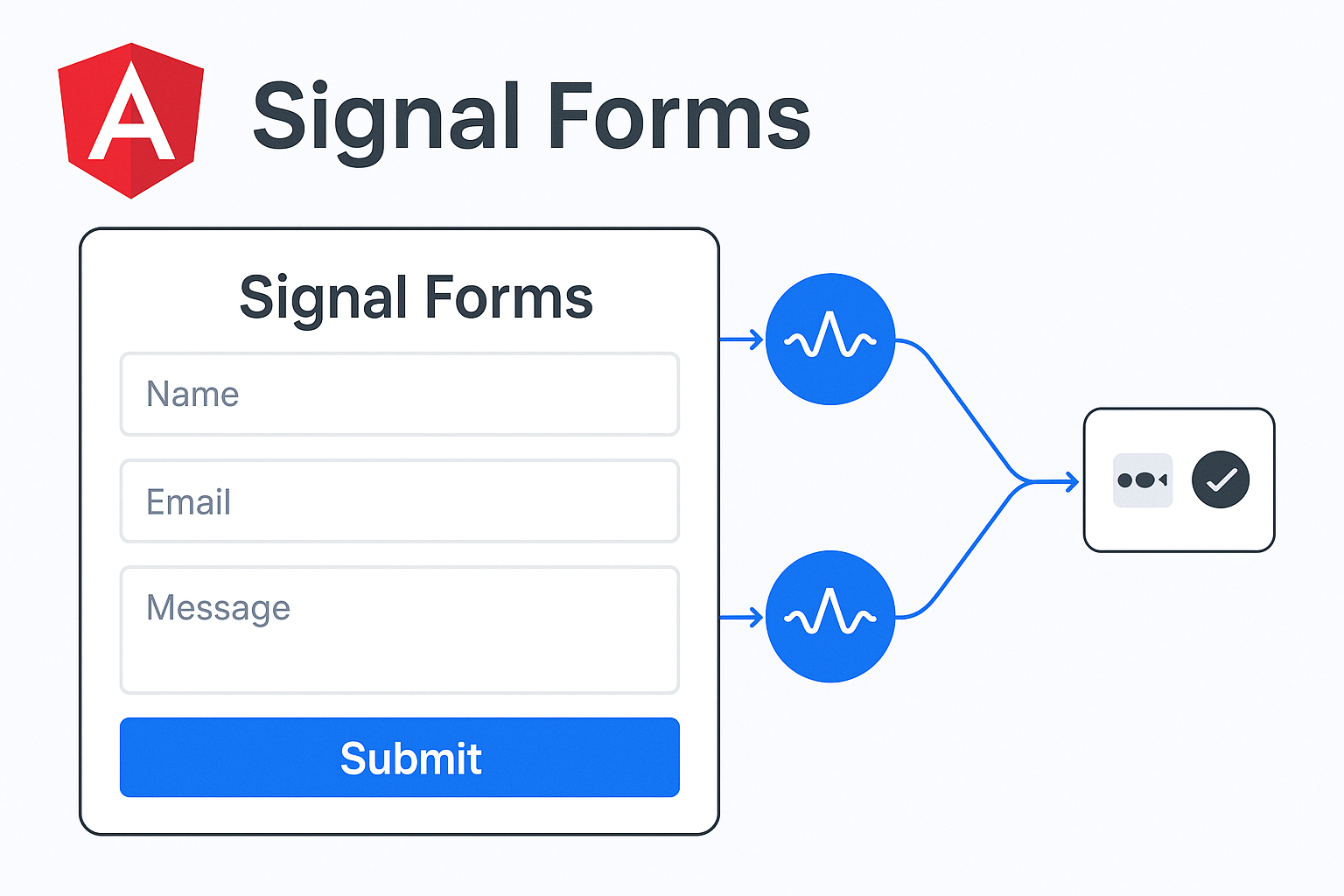
Why Signal Forms?
Synchronous Updates
Everything runs synchronously. When the user types in an input, the Field directive detects the change and updates the model signal immediately.
Built-in and Custom Validation
Validation logic stays in one place, making forms cleaner and more maintainable.
Type-Safe
Signal Forms support full type safety, enabling reliable binding between your form structure and your UI.
Automatic UI & Model Sync
No need for:
- valueChanges
- Event emitters
- FormControl, FormGroup
- patchValue() or setValue()
Getting Started
Import Signals & Signal Form utilities
import { signal } from ‘@angular/core’;
import { email, Field, form, required } from ‘@angular/forms/signals’;
Component Setup
@Component({
selector: ‘app-root’,
imports: [CommonModule, Field],
templateUrl: ‘./app.html’,
styleUrl: ‘./app.css’
})
export class App {
}
Create Form Interface
export interface UserForm {
userName: string;
firstName: string;
lastName: string;
email: string;
mobileNumber: string;
address: {
street: string;
mandal: string;
state: string;
country: string;
};
}
Initialize Signal Form Model
userForm = signal<UserForm>({
userName: ”,
firstName: ”,
lastName: ”,
email: ”,
mobileNumber: ”,
address: {
street: ”,
mandal: ”,
state: ”,
country: ”
}
})
Create the Signal Form instance using form():
userSignalForm = form(this.userForm);
Accessing nested properties:
this.userSignalForm.address.street
// Full type support
Two-Way Binding with [field] Directive
<input id=”username” type=”text” [field]=”userSignalForm.username” placeholder=”Enter username”>
<input id=”email” type=”email” [field]=”userSignalForm.email” placeholder=”Enter email address”>
UI ↔ Model sync happens automatically
The Field directive connects UI controls directly to the model signal.
Understanding Signal Forms Data Flow

No subscriptions, no boilerplate.
Everything reacts instantly with changes.
Built-in Validations Example
userSignalForm = form(this.userFormModel, (schemaPath) => {
required(schemaPath.userName, { message: ‘Username is required’ })
required(schemaPath.email, { message: ‘Email is required’ })
})
Custom Validation Example
userSignalForm = form(this.userFormModel, (schemaPath) => {
required(schemaPath.mobileNumber, {
message: mobile number should be entered after email’,
when: ({ valueOf }) => !valueOf(schemaPath.email)
})
})
This schema path will call once the form initialization and whenever the value changes in form fields, we can write multiple validations inside the schema path tree.
In the above custom validation. If we enter mobile number without entering the email, then we will get validation error.
Updating Form Values Programmatically
Set a complete form fields:
We can use set method to update the form dynamically.
setBasicUserData() {
const userInfo = {
“userName”: “johnDoe123”,
“firstName”: “John”,
“lastName”: “Doe”,
“email”: “johndoe@example.com”,
“mobileNumber”: “9995551234”,
“address”: {
“street”: “101 Sunset Boulevard”,
“mandal”: “Los Angeles County”,
“state”: “California”,
“country”: “United States”
}
}
this.userFormModel.set(userInfo);
}
Set a single field:
updateEmail() {
this.userFormModel.update(current => ({
…current,
email: ‘sathishkotha@gmail.com’
}));
}
Button Disable Example:
<button type=”submit” [disabled]=”userSignalForm().invalid()” class=”btn-primary”>
Submit
</button>
We can use userSignalForm().invalid() to validate the form
Conclusion
Signal Forms simplify form handling in Angular by:
- Reducing boilerplate
- Improving DX (developer experience)
- Offering type-safe reactive state
- Eliminating RxJS complexity for forms
If you’re tired of juggling streams and form control syncing logic — Signal Forms are a game-changer.
Checkout below Git project.
 Java2practice
Leave a comment